Create Your First Org
Nomatron is in early access. Some advanced workflows may not be covered in the public docs.
On this page
Estimated time: 3 minutes
1. Sign In
- Open the Nomatron UI.
- Sign in with:
- Username:
root - Password:
nomatron123
- Username:
- Land on the main app view.
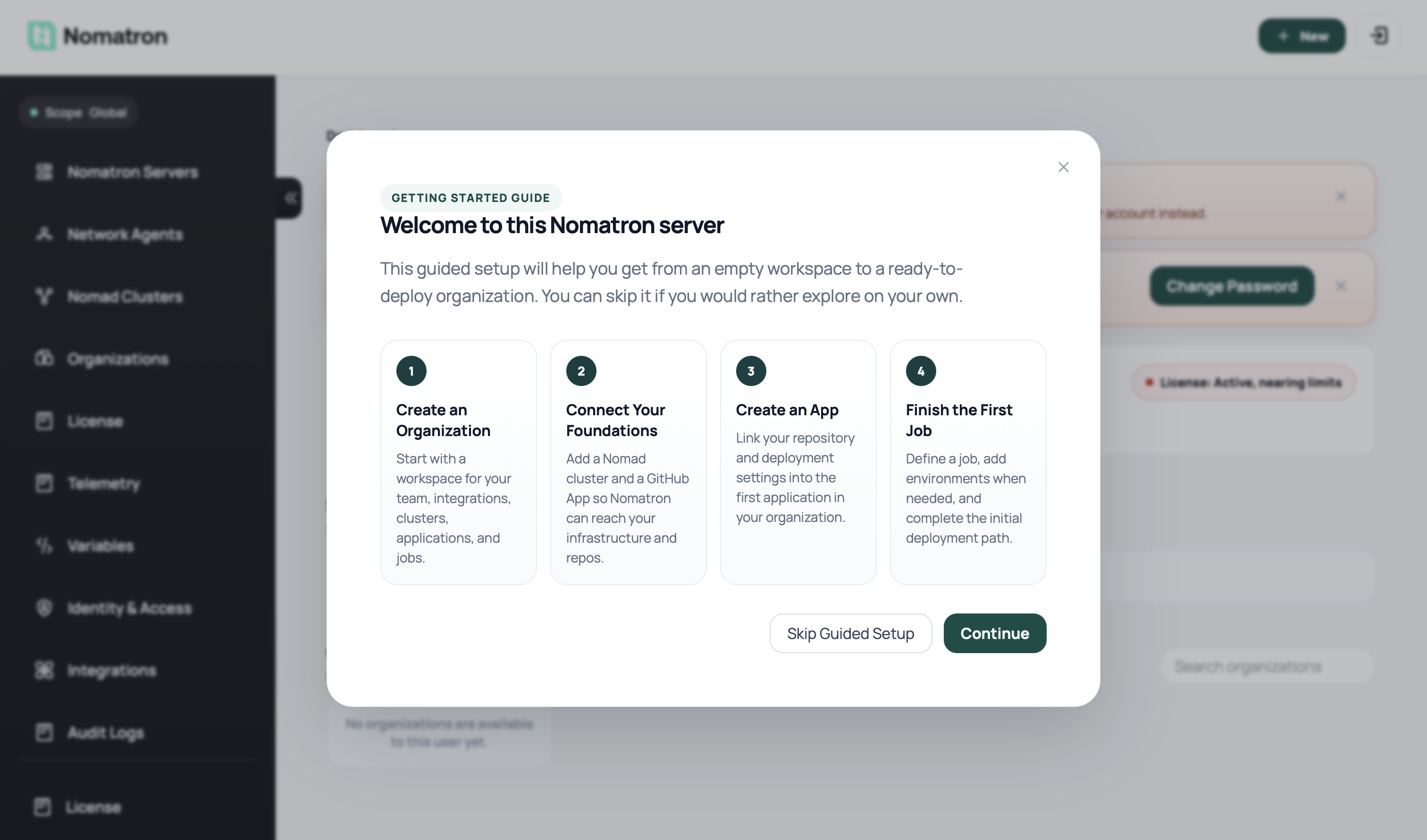
2. Create Your First Organization
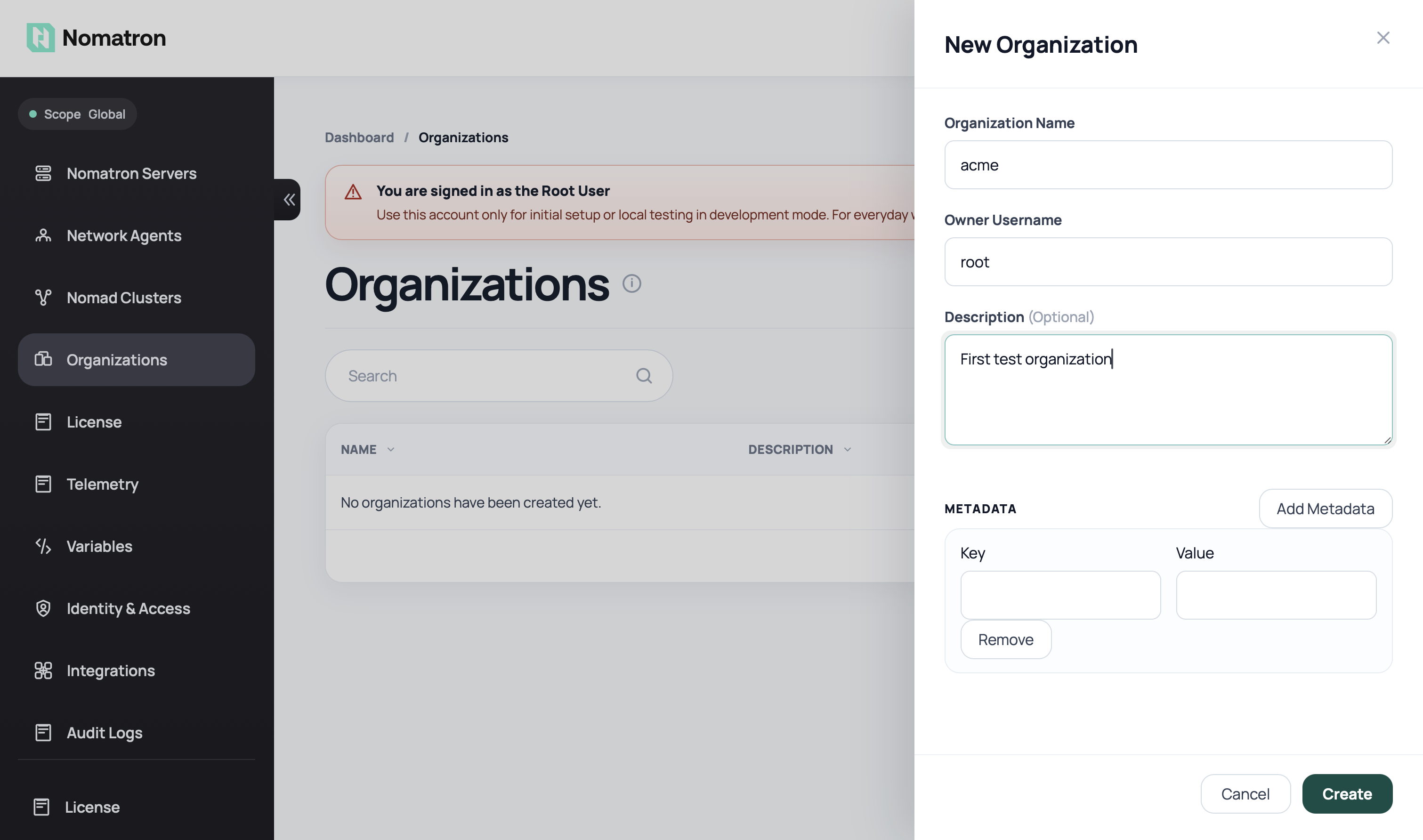
- Go to
Organizations. - Click
New Organization. - Fill in:
Organization Name:acmeOwner Username:rootDescription:First test organization
- Click
Create.
3. Confirm It Worked
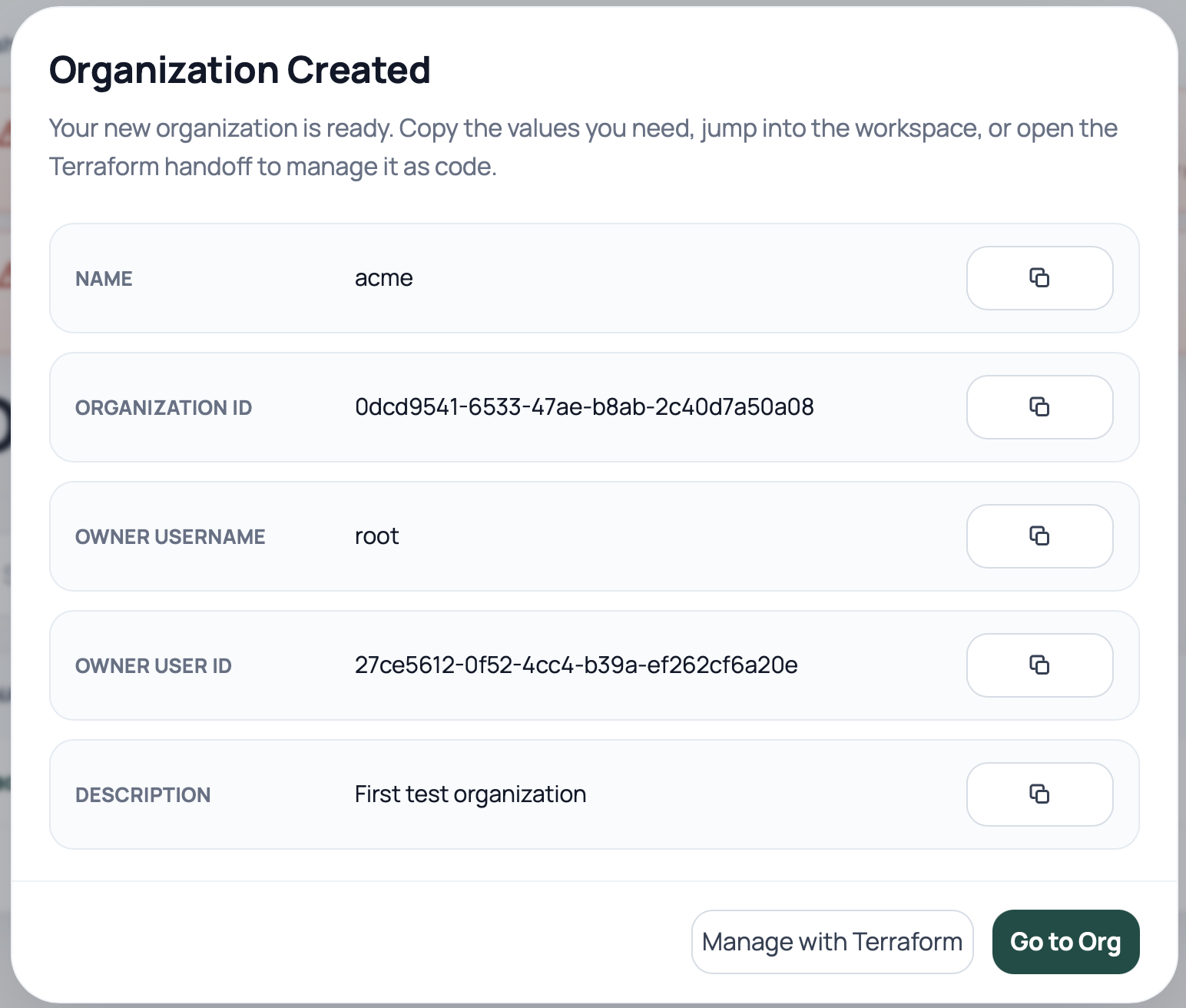
After you create the organization, Nomatron opens an Organization Created modal with the values you just created, including the organization name, organization ID, owner username, and owner user ID.
Use that modal to confirm the organization was created successfully, then click Go to Org to open the new organization workspace.
Once you are inside the organization, you should be able to navigate to:
- Apps
- Variables
- Clusters
- Integrations
Suggested Naming
Use simple names for the first walkthrough:
- Organization:
acme - App:
demo-service - Job:
web
That keeps the later steps easy to follow.